




Buddyspin App
Our mobile casino runs as a Progressive Web App, so there is no file to download and no app store involved. Visit the Buddyspin website from your phone, add it to the home screen, and the casino opens like any native app from that point on. The full account, wallet, game library, and bonus section travel with you across every device you use.



Buddyspin Mobile Casino
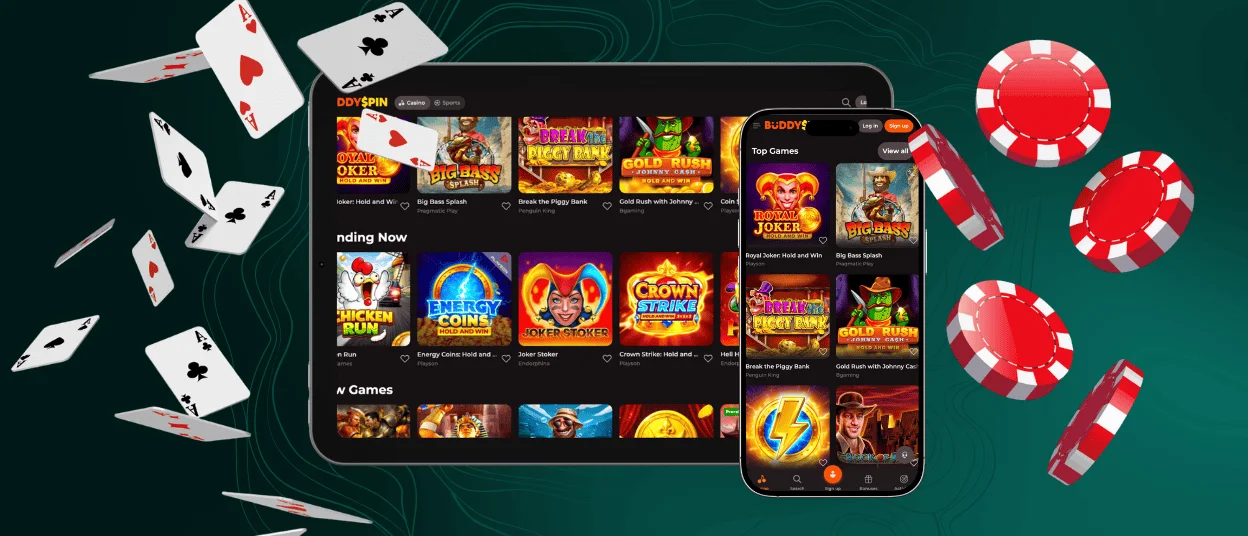
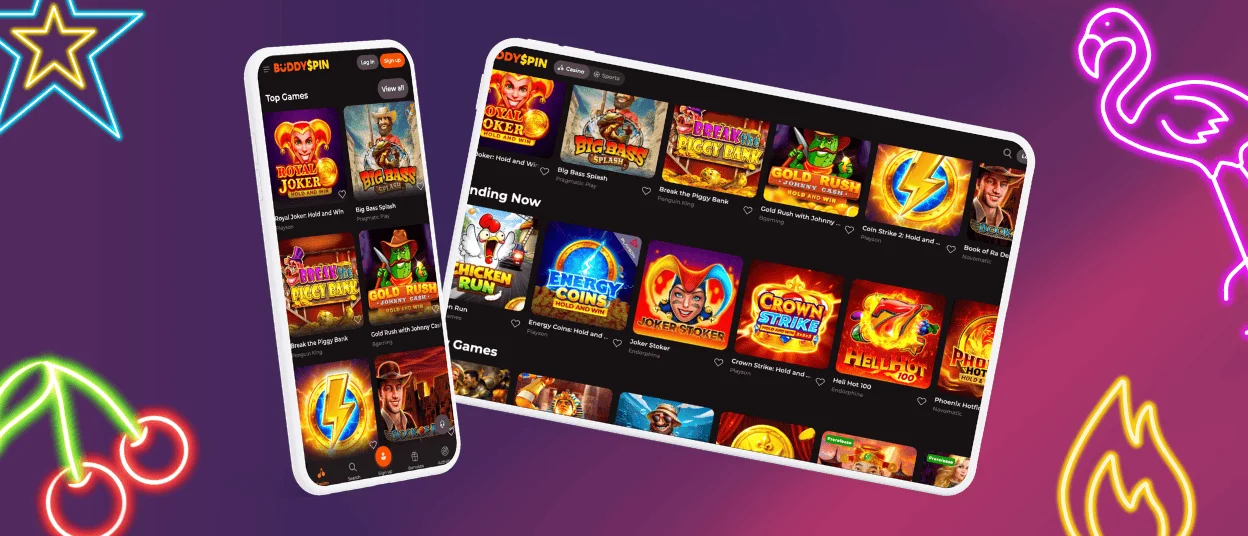
A phone session at Buddy Spin looks and feels the same as desktop, but the layout shifts to fit the screen properly. Buttons are sized for fingers rather than a mouse cursor, and the lobby reorganizes itself so the most-used sections are located within thumb reach. Games load from a local cache, which cuts the gap between tapping a title and actually playing it. We handle everything through the browser engine on the device, so the gaming experience stays consistent whether someone is on a flagship phone or a mid-range one from a couple of years ago.
Below is a side-by-side look at how the Buddyspin app performs against the desktop browser version on the things players check most.
| Feature | Mobile App (PWA) | Desktop Browser |
|---|---|---|
| Installation | Add to home screen, no download | Open browser, no download |
| Bonuses and promotions | All active offers | All active offers |
| Controls | Touch-optimised layout | Mouse and keyboard |
| Push notifications | Available via home screen shortcut | Not supported |
| Updates | Silent, applied on load | |
| Connection security | HTTPS with TLS encryption | |
Buddyspin Application for Android
Chrome is the recommended browser for Android because it picks up every PWA feature without extra settings. The Buddy Spin Casino runs at full speed on current Android versions, and mid-range devices handle it without slowdowns. Once the shortcut lands on the home screen, launch time is fast enough that most players stop noticing they are in a browser at all.
Buddyspin APK Download – Step-by-Step Installation
We publish the Buddyspin Casino through our official website rather than a separate APK, which keeps the installation clean and removes any risk from third-party sources. Here is how to add it to an Android home screen:
- Open Chrome on the Android device and go to the official Buddyspin website.
- Tap the three-dot menu in the top-right corner of the browser.
- Select “Add to Home Screen” from the list that appears.
- Give the shortcut a name or leave the default, then tap “Add”.
- The Buddyspin icon appears on the home screen and opens the casino directly from that point.
Mobile Application for iOS
Safari on iPhone and iPad handles the installation in a few taps through the Share menu. After adding the shortcut to the home screen, the app opens without the browser bar, so the full screen goes to the game. Devices with Face ID or Touch ID can use biometric authentication to get past the login screen faster, which also speeds up the verification process on return visits. iOS 14 and newer versions all work with the Buddy Spin PWA without any compatibility issues.
Buddy Spin Casino Application for Windows/macOS
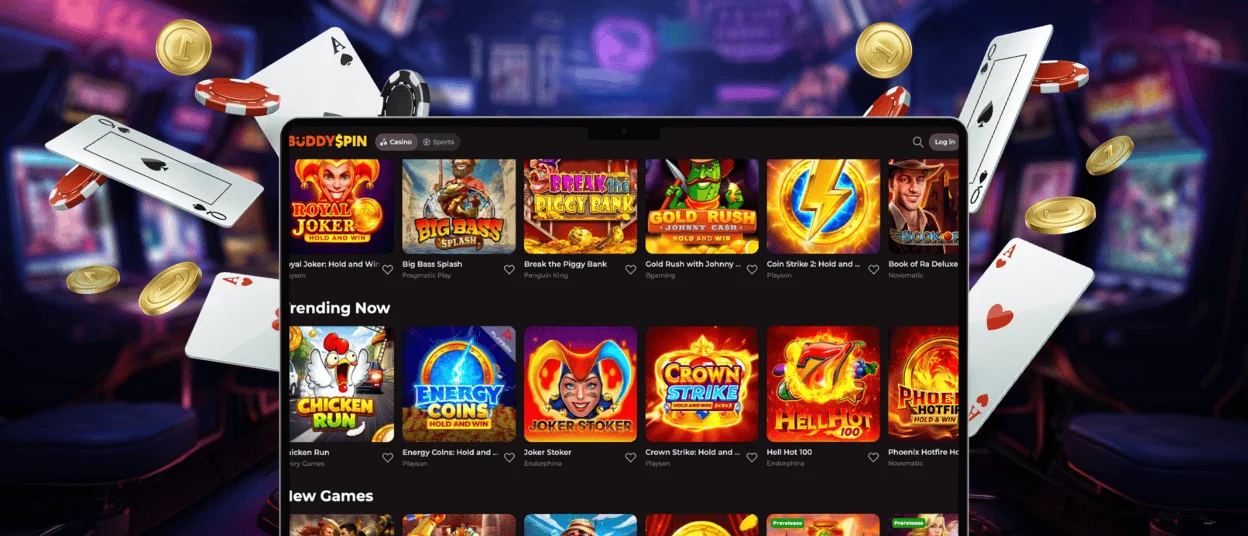
Windows and macOS users access the full Buddyspin Casino through a browser without installing anything. Chrome and Edge on Windows offer an Install option in the address bar that opens the site as a standalone window, separate from the browser toolbar. Safari on macOS does the same through its own menu. Every feature available on the full website works from that standalone window: live chat, wallet, promotions, and the complete game catalog. The Support Team is reachable from that window just as it is anywhere else on the platform.
How to Use Buddyspin Casino?
After the shortcut is on the home screen, tap it to open the casino. Log in with your registered credentials or use biometric login if the device supports it. The lobby presents your balance, active bonuses, and the game catalog together on one screen. The navigation menu splits the content into sections: slots, live tables, promotions, and account management. The live chat button is inside the account menu and stays reachable throughout the session.
Payments go through the wallet inside the profile section. Pick a method, enter the amount, and confirm. Deposits credit immediately. Withdrawals move through standard processing for the chosen method. First-time withdrawals require identity documents, which players submit through the profile section. Our team reviews them within 24 to 48 hours and confirms completion by email.
PWA Security Advantages Explained
Every connection between the Buddyspin app and our servers runs over HTTPS with TLS encryption active at all times. Nothing sensitive gets written to the device itself, which matters most when a phone is lost or passed on to someone else. The browser sandbox keeps the PWA separated from other apps and from system-level resources, so the exposure is narrow by design.
Version updates happen in the background when the app opens, so players always run the current build without taking any action. There is no APK involved in the process, which removes the risk that comes with sideloaded files. Our fraud monitoring system watches login and transaction patterns in real time and acts before a problem reaches the account. The table below lists the main protections in place across the Buddyspin Casino platform.
| Security Measure | What It Does | Benefit for Players |
|---|---|---|
| TLS Encryption | Encrypts all data between the device and servers using TLS 1.2/1.3 | Login details and payment data stay private on any network |
| HTTPS Only | All pages load over secure connections | Blocks interception attempts on public Wi-Fi |
| No device storage | Account and payment data are never written locally | Protects players if a device is lost or stolen |
| Silent updates | The latest version loads automatically on each session start | Players never run an outdated or vulnerable build |
| Biometric login | Face ID and Touch ID supported on compatible devices | Faster login with no reduction in account security |
| Real-time fraud monitoring | Tracks login and transaction patterns continuously | Unusual activity is flagged and blocked early |
| KYC verification | Identity documents confirmed before first withdrawal | Confirms account ownership and blocks fraudulent claims |
FAQ
Is there customer support in the Buddy Spin Casino app?
The Support Team is reachable through live chat from inside the app at any time. The chat icon stays visible across the lobby, game pages, and account sections, so there is no need to navigate away from a session to ask a question. Account issues, payment queries, and bonus questions all go through the same channel. Responses come in real time and the service runs continuously.
Do I need a Buddyspin account to use the app?
The app opens without an account, and the lobby is visible to anyone who visits the site. Placing real-money bets, claiming bonuses, and making deposits or withdrawals all require a registered profile. Registration asks for an email address and a password. The same account works across phone, tablet, and desktop without any separate setup for each device.
Are all casino games available in the Buddy Spin mobile app?
Our mobile catalog matches the desktop one exactly. Online slots, live dealer tables, crash games, and table game variants are all accessible from the app. Game providers build their titles to work on touch screens, and the Buddy Spin platform loads them at the same quality as on a computer. We do not split the library between mobile and desktop access.
How do I update the Buddyspin Casino app to the latest version?
The Buddyspin app updates on its own each time it opens. Our servers push the current version to the browser in the background, and the session starts with everything already up to date. Players do not visit an app store, approve a download, or clear storage space. The process takes place before the lobby appears and adds no noticeable delay to launch time.


